 Calendar, Your Way
Simple start, endless depth.
A calendar you can start using right away, then customize as much as you like. It becomes more your own every day.
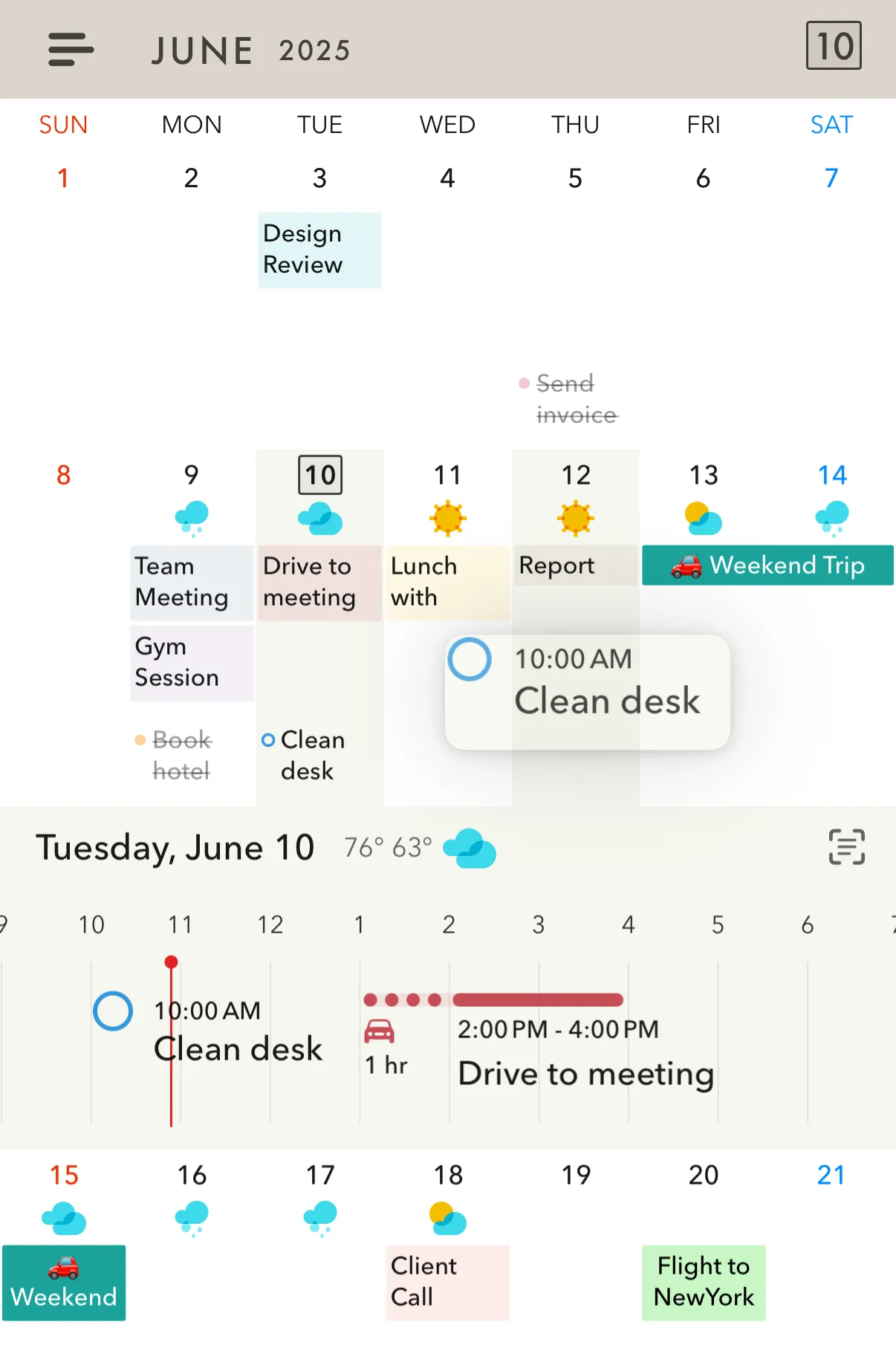
Your calendar stays where it belongs.
Across doesn't ask you to move anything. Your events stay safely in Apple Calendar, Reminders, and Google Calendar. Across is a better way to see and shape them, not another place to keep them.
Our goal is simple: not to keep you locked in, but to be the calendar you'll want to keep using.
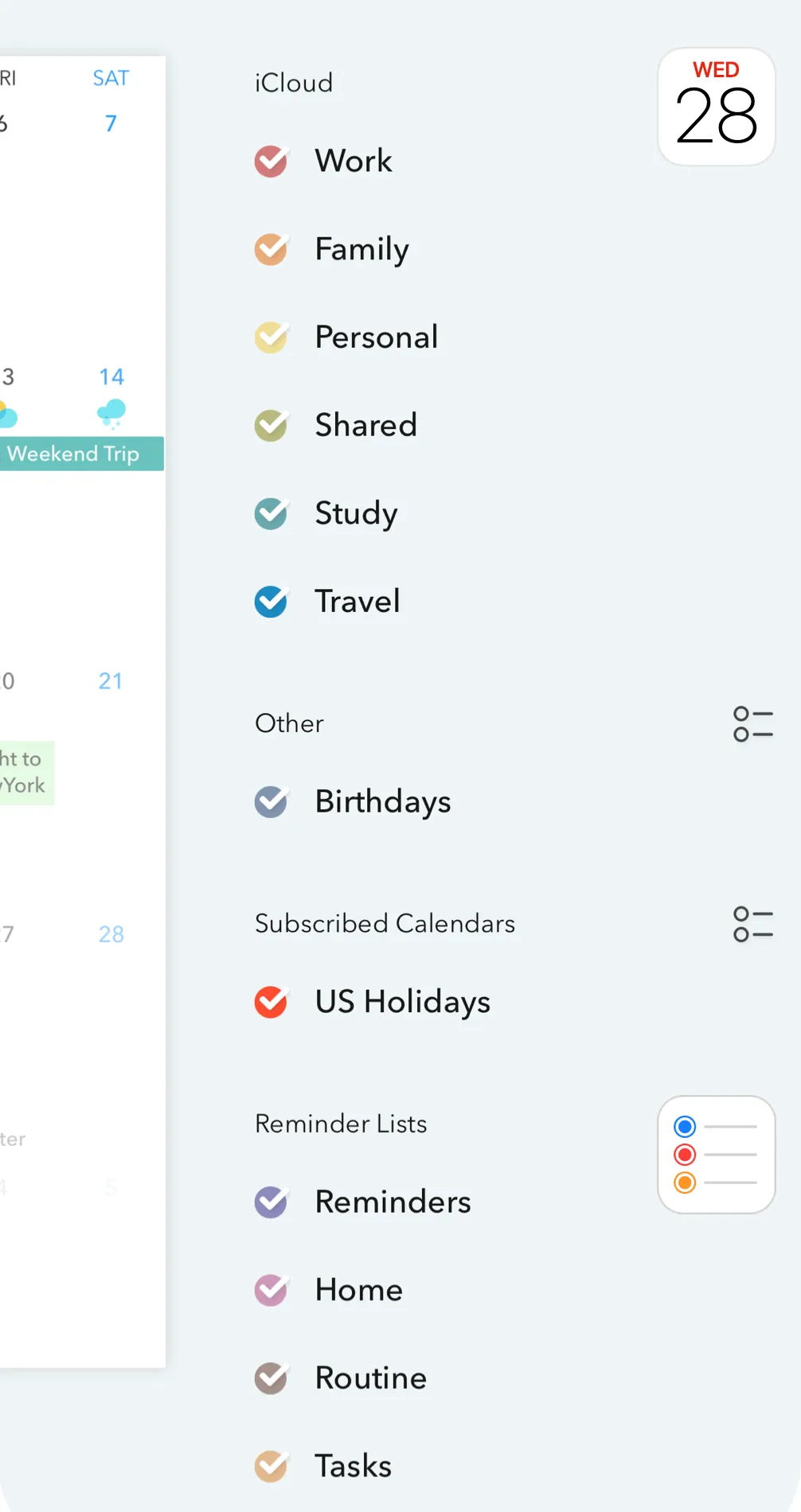
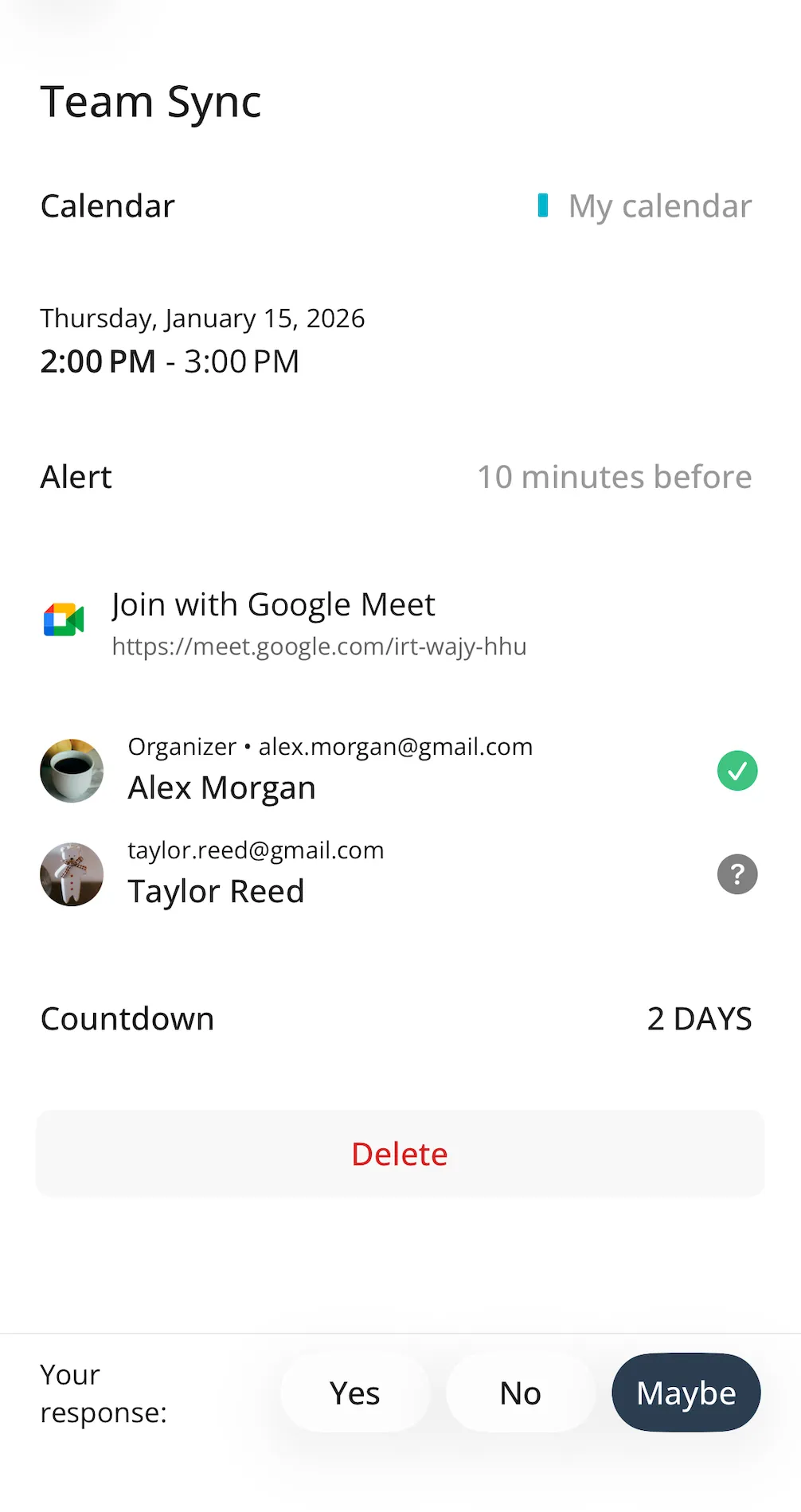
More views than you'll need. Each one refined.
Pick the one that feels right today. The rest are there for when your weeks change shape.
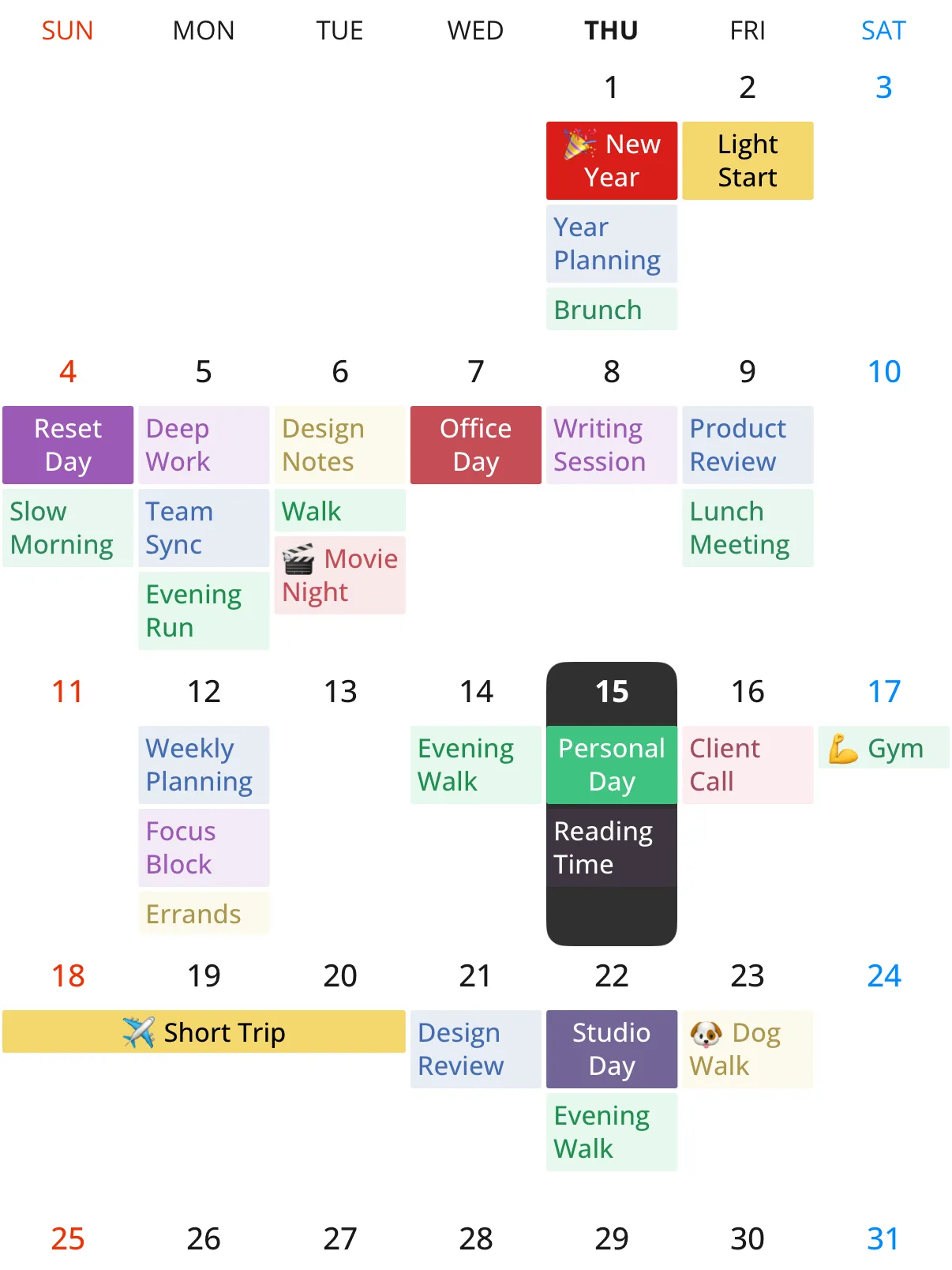
Month
Two lines per event when you want the detail, tighter spacing when you don't.
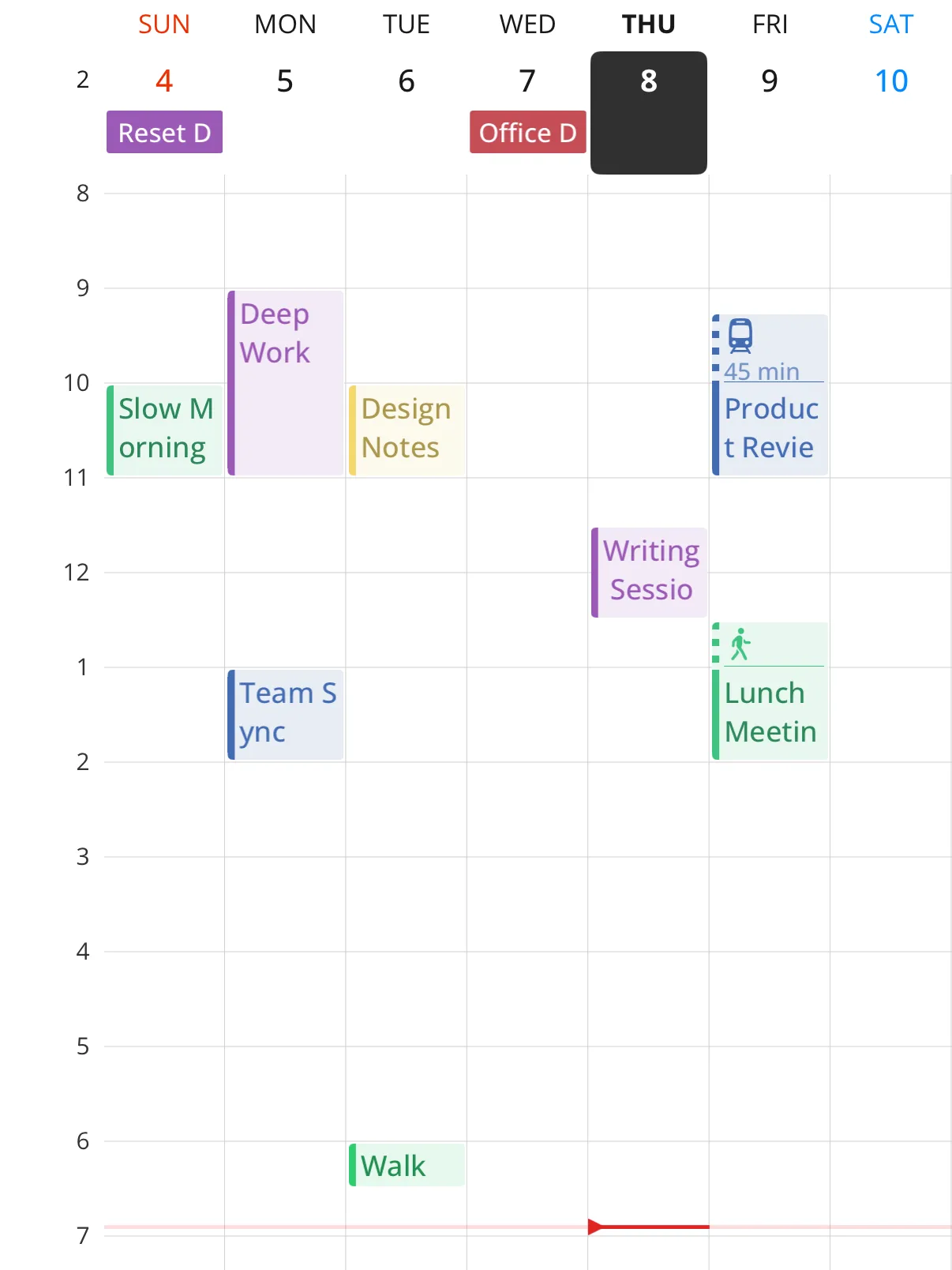
Week & multi-day
Scroll day by day, continuously, instead of jumping page to page.
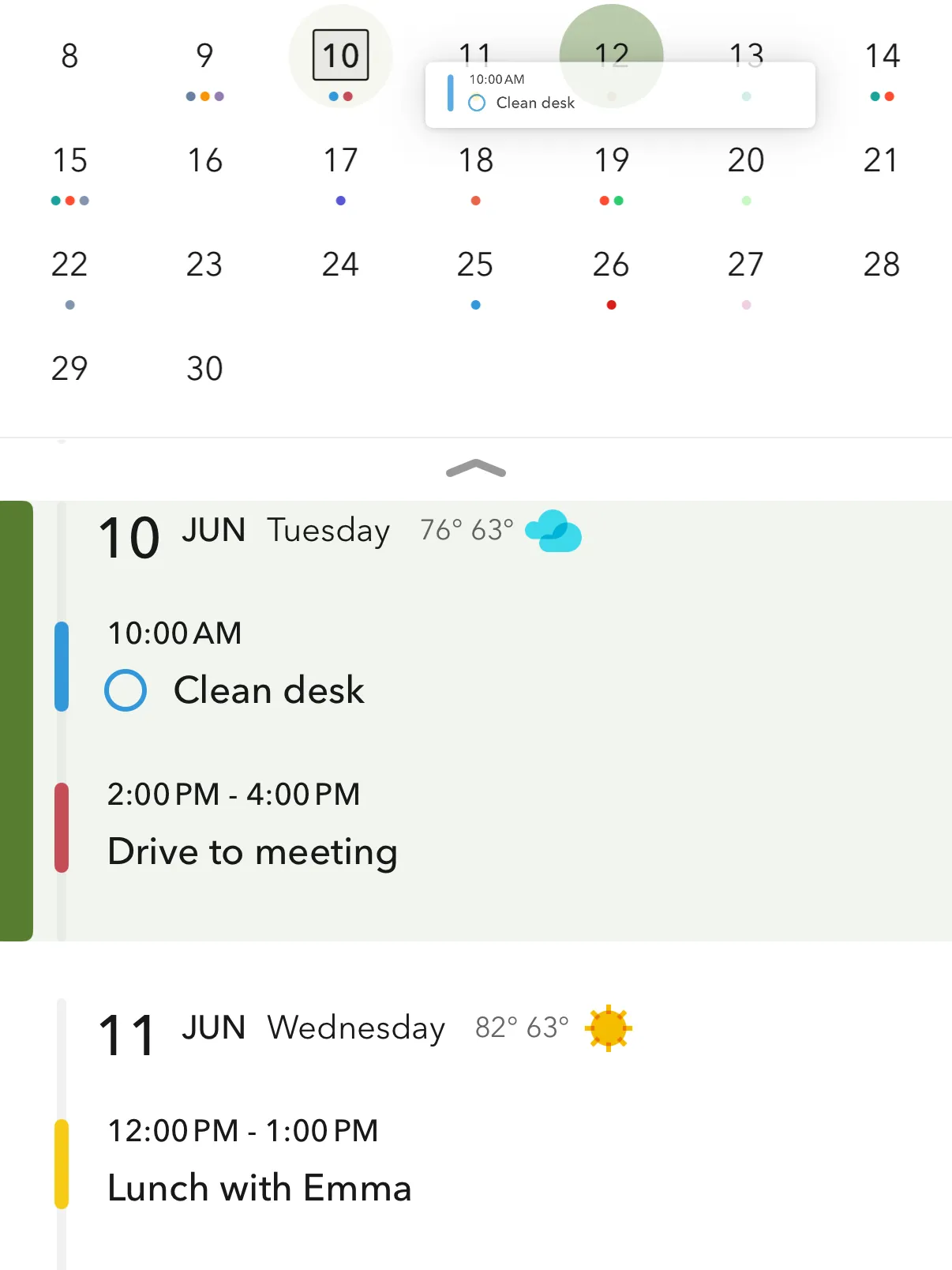
List
Everything ahead in order, with tasks and events in one place.
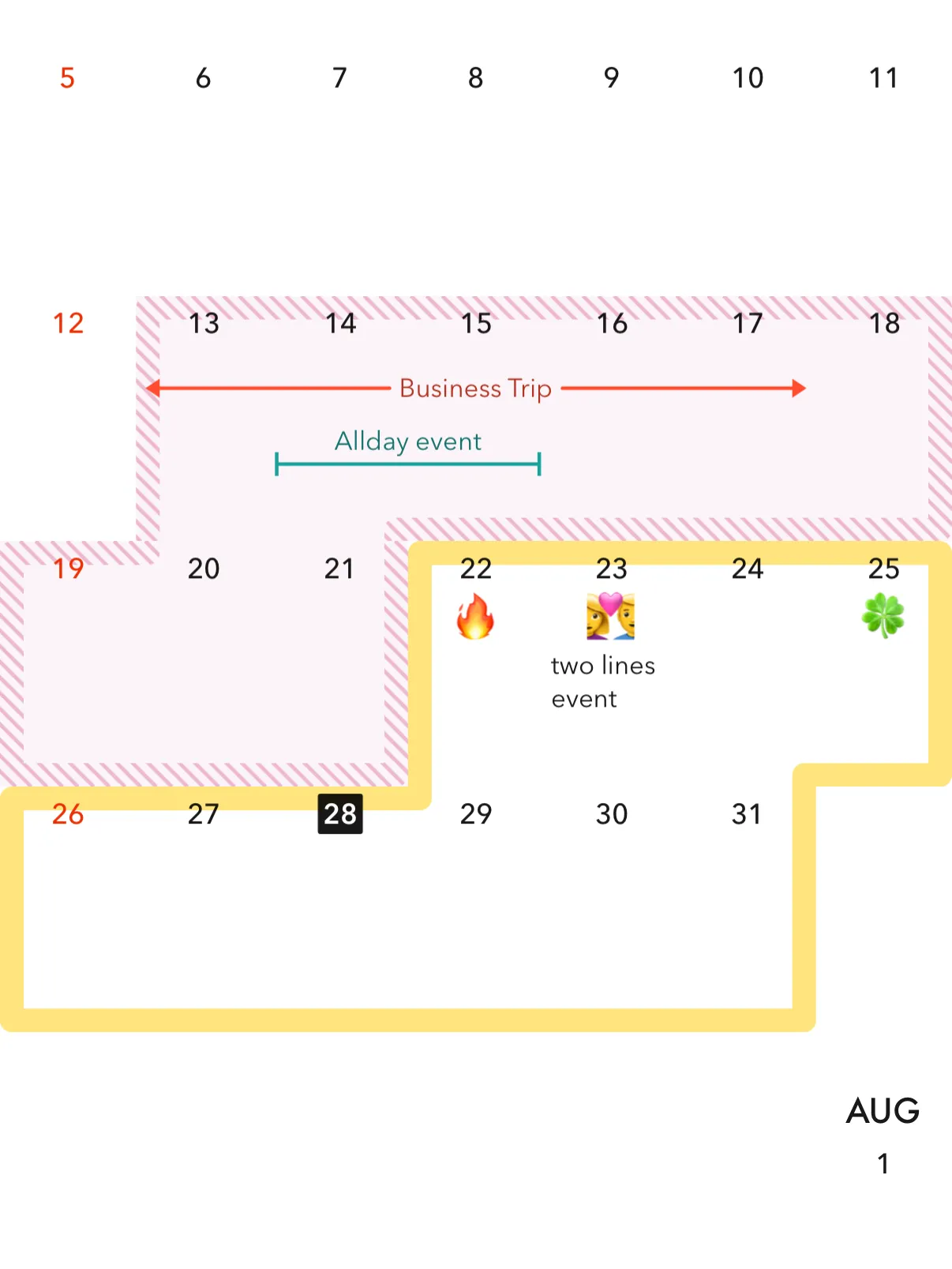
Still growing
Emoji on days, date highlights, and multi-day spans arrived in recent updates. Views keep picking up things like these.
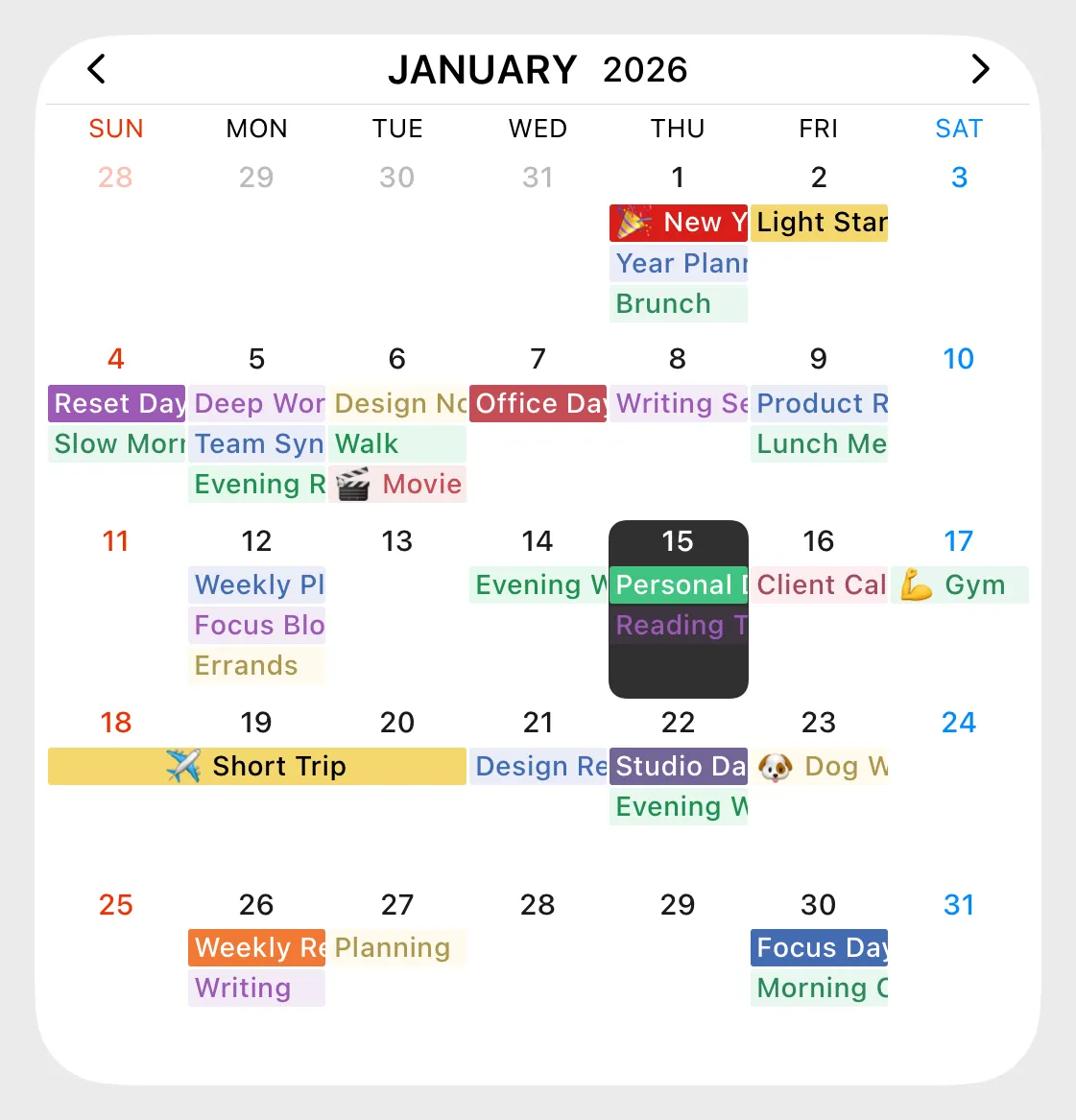
Widgets
Your month on the Home Screen, before you even open the app.
…and more views, once you want them.
Everything's there when you're ready.
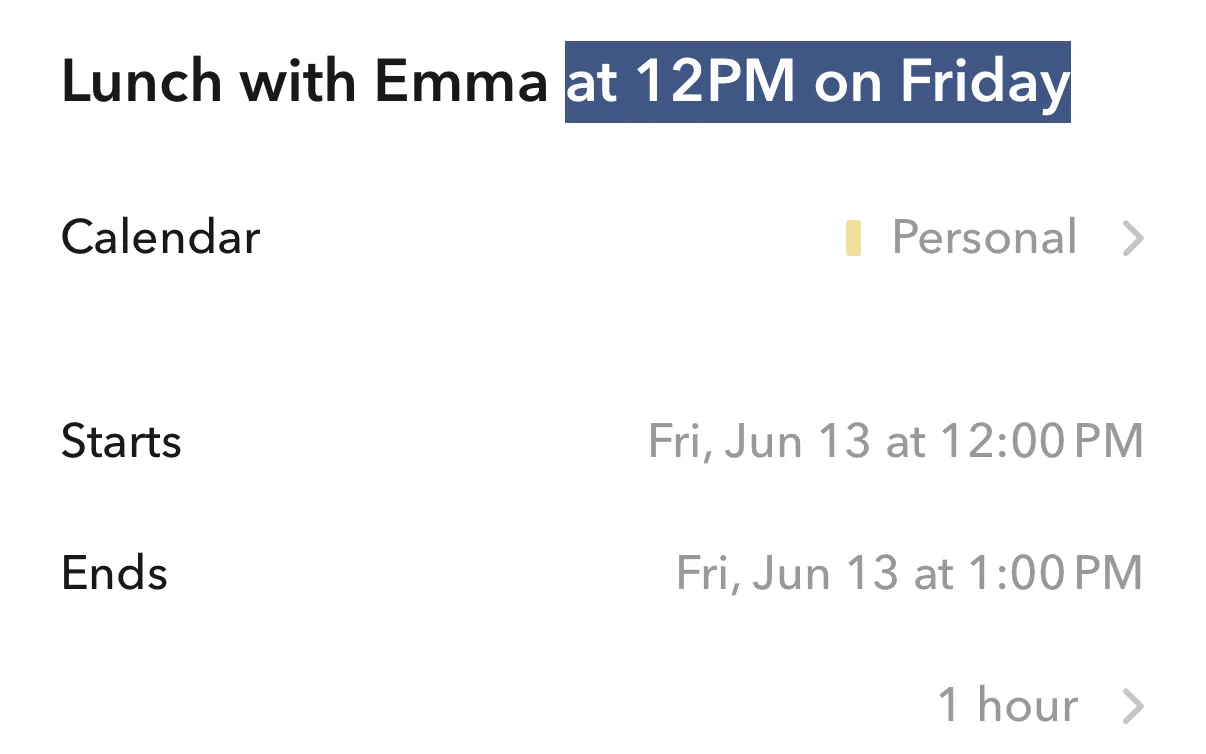
Type "Lunch with Emma at 12PM on Friday" and it becomes an event. The rest is waiting whenever you go looking for it.
Settings, just the way you like
Themes, fonts, tabs, colors. Hundreds of choices, tucked away until you want them.
Tuned per view
Each view carries its own options, right where you're using it.
Templates & routines
The things you schedule again and again, set up once.
Widgets & Shortcuts
Your day on the Home Screen. Add events from anywhere.
Private by design.
Across is built to know as little as possible. Here is exactly what our server sees, and what it never will.
Apple data never leaves your devices
Calendar and Reminders are read and written directly on your iPhone, iPad, and Mac. No Across server is involved at any point.
A server for sync, and only the minimum
Google Calendar syncs in real time through an Across server. It safely keeps just what it needs to ping your devices: an email, a push token, a channel ID.
Your events and credentials stay out of it
No titles, notes, or locations. No contacts. Not even the credential that unlocks your Google account, so the server can't reach your calendar on its own. Sign out and it's all gone.
Nothing is tied to who you are
Usage and diagnostic data helps us improve Across, and none of it is linked to your identity.
Monthly, yearly, or once. Your call.
Across is free to download. Alongside monthly and yearly subscriptions, there's a lifetime purchase.
Current prices are shown in the App Store, in your own currency.
11,000+ ratings across iPhone, iPad, and Mac.
Shaped by its users. Many of today's features began as requests.
For those who love to plan, a precise tool.
For those who don't, a simple way to stay on top of your days.
Good to know.
Does Across replace Apple Calendar?
It works on top of it. Your events stay in Apple Calendar. Across is a better way to see and edit them.
Will my existing events show up?
Immediately, once you grant calendar access. There's no import step.
Do I pay again on iPad or Mac?
No. One purchase covers every device signed into your Apple Account.
What if I stop using Across?
Nothing changes. Your events live in Apple Calendar and Google Calendar, not inside Across, so they stay right where they are.
Can I request a feature?
Please do. Write to support@daymore.com. Many of Across's features started as user requests.
Built with care.
Across began with a simple goal: a calendar that's clean from day one, flexible underneath, and easy to make your own.
It's improved continuously, in close conversation with the people who use it. Many of today's features started as requests sent to support@daymore.com.
Made with care in Korea · Thanks for using Across