 Across for Mac
Compact like iPhone.
Precise like Mac.
Simple start, endless depth. The Across you know from iPhone, rebuilt for the keyboard, the pointer, and a wider screen.
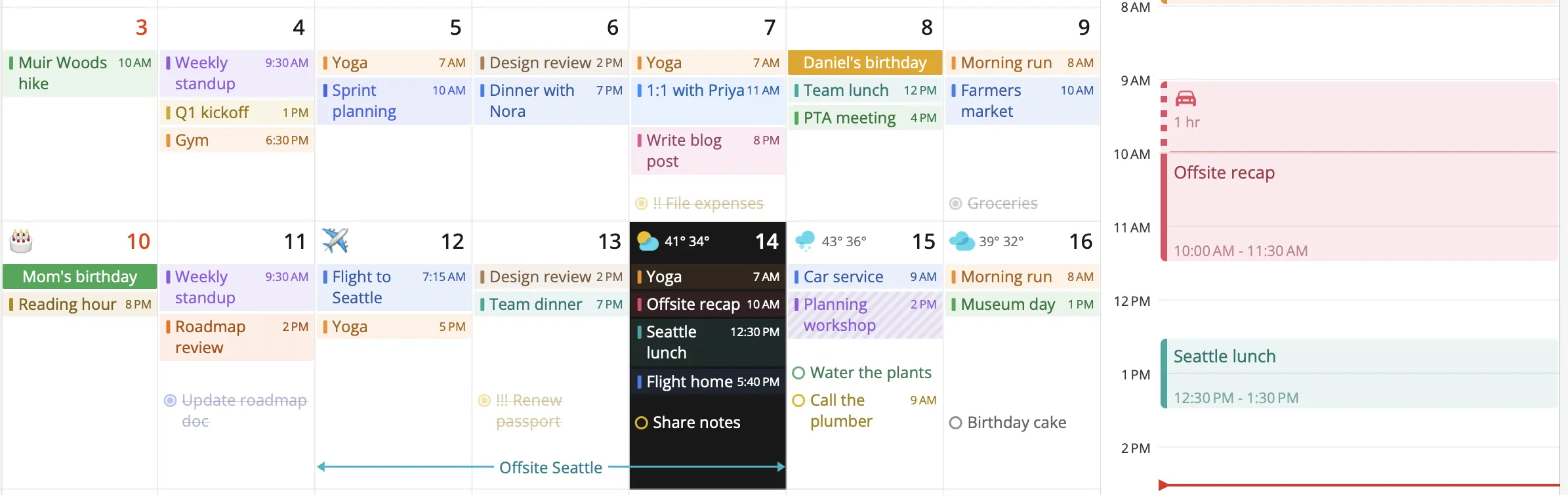
Leave the other calendar apps closed.
Most calendar apps make you choose between simple and powerful. Across starts simple and goes as deep as you want. It works directly with the calendars you already use. Today that's Apple Calendar, Reminders, and Google Calendar, with more to come. Your events stay where they are, and stay there if you ever leave.
Endless options. Never complicated.
Across looks right from the first launch. Pick a theme, and the rest is set up with care. When you want more, change anything from the fonts to the color of Sundays. The options for the view you're in are one click away, every change shows up as you make it, and any setting turns up when you type its name.
A view for each kind of day
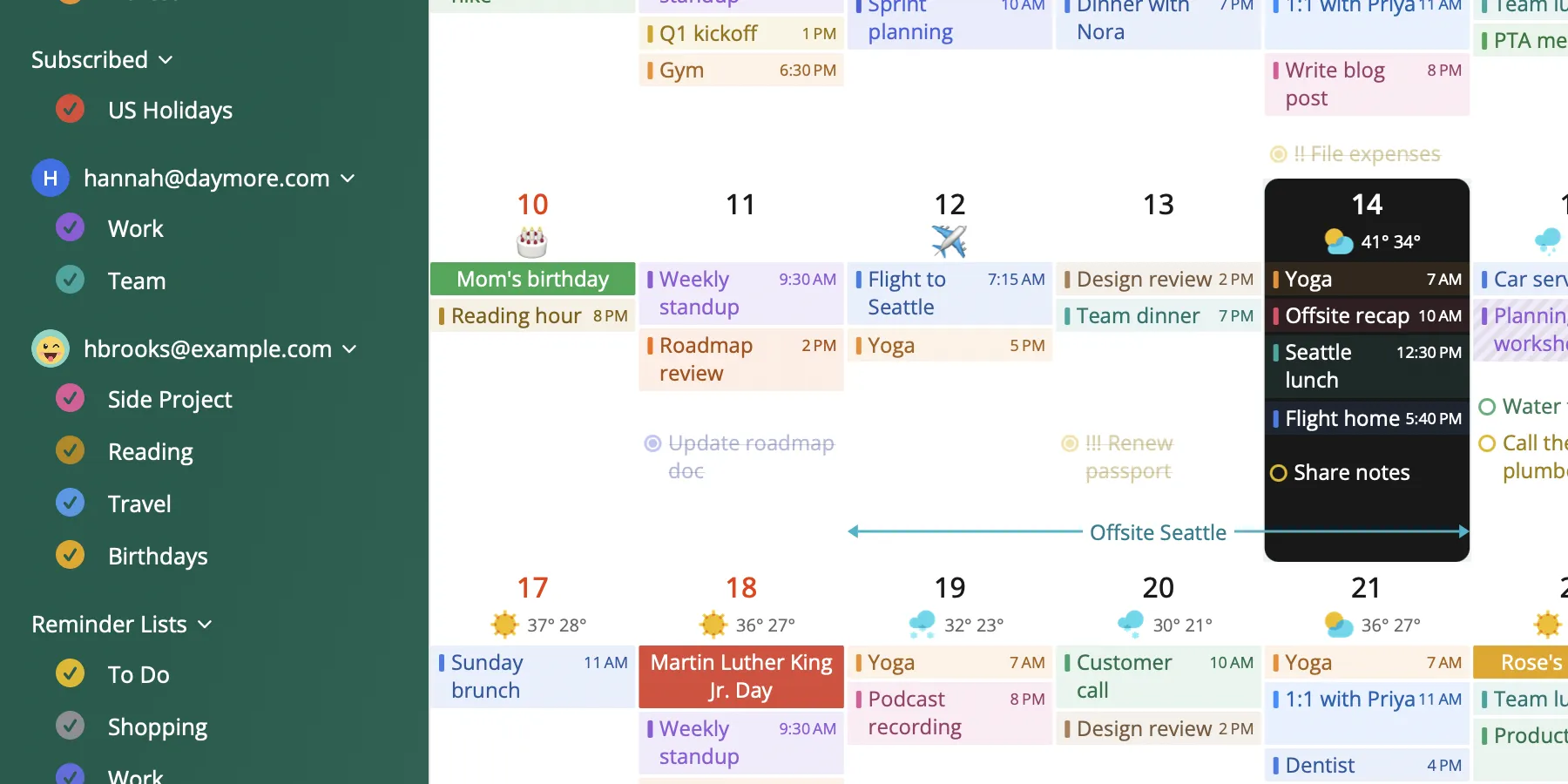
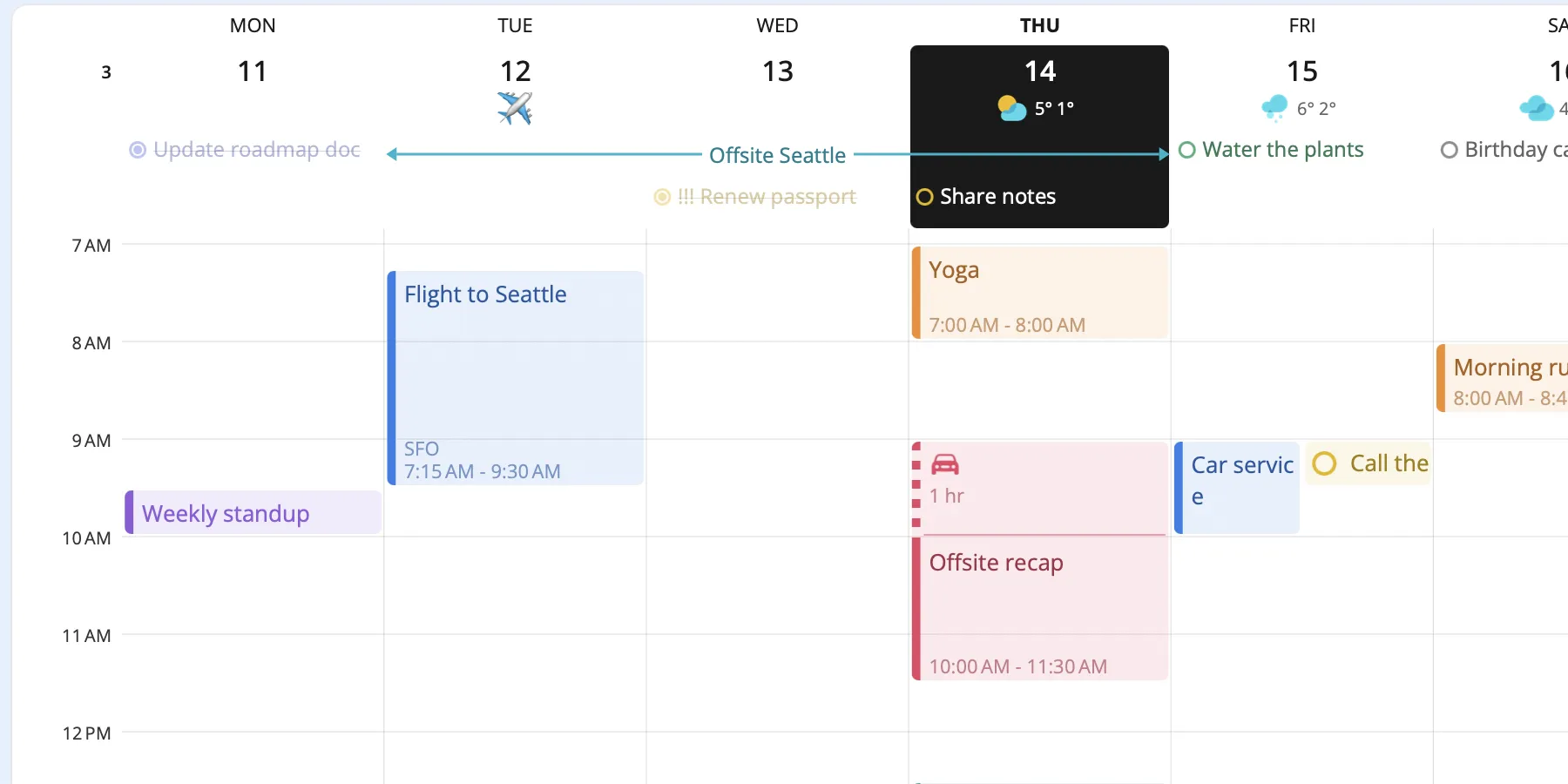
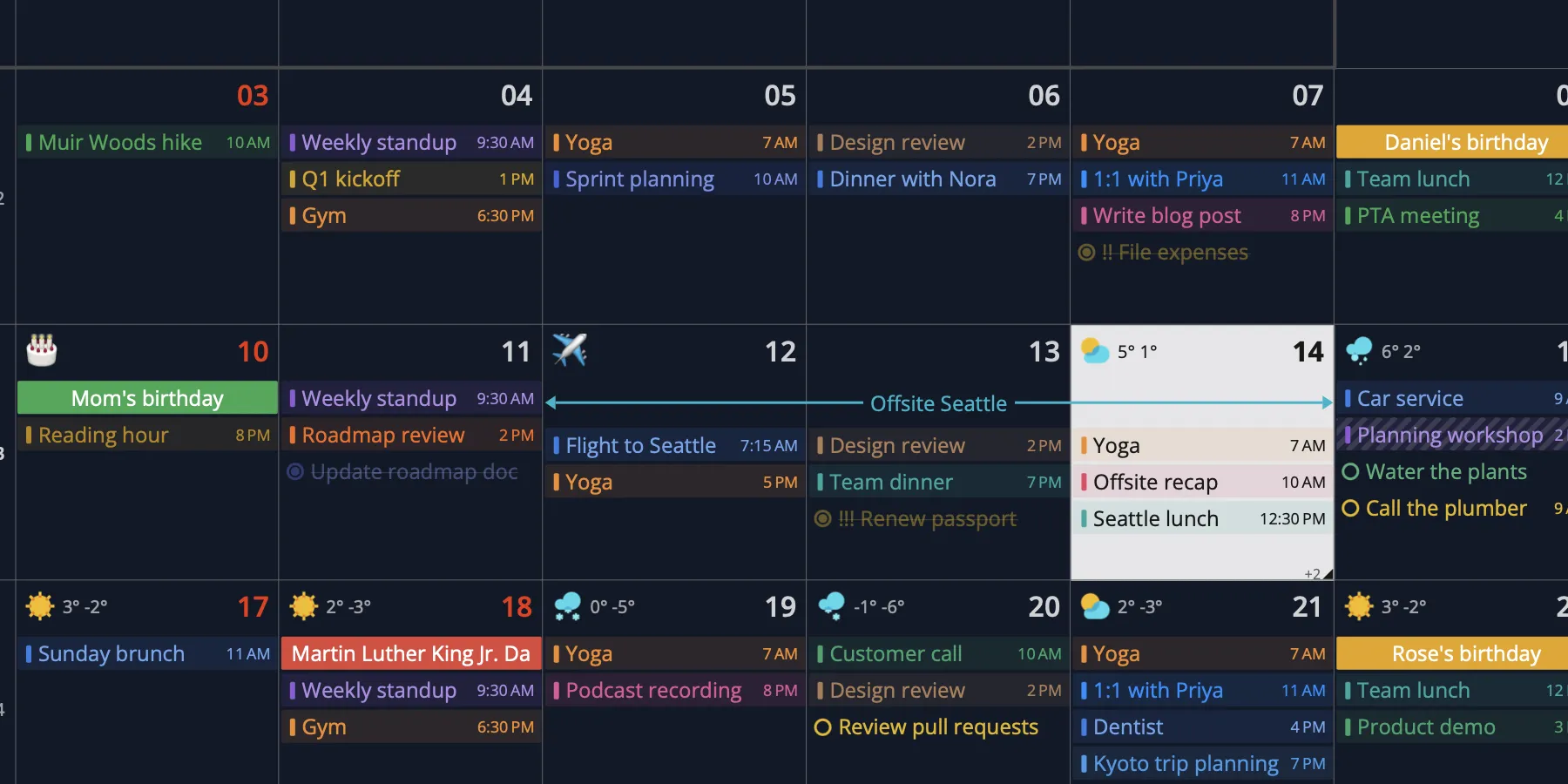
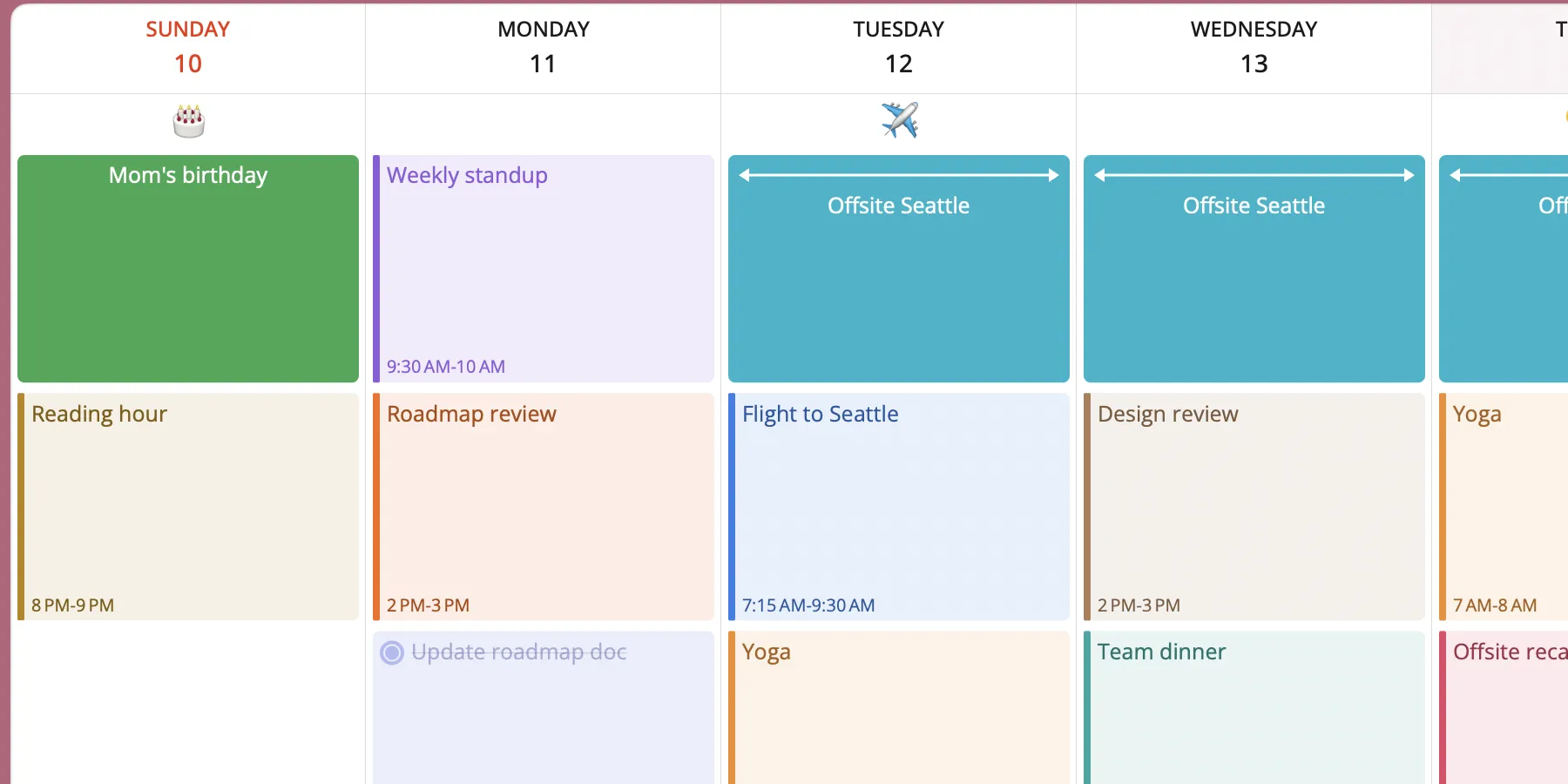
Month, Week, Day, Plan, Spreads, Flow, Pixels, List, and more. Keep the views that suit you, hide the rest, and set their order in the tab bar. ⌘1 to ⌘9 takes you straight to each one.
Apple Calendar, and then some
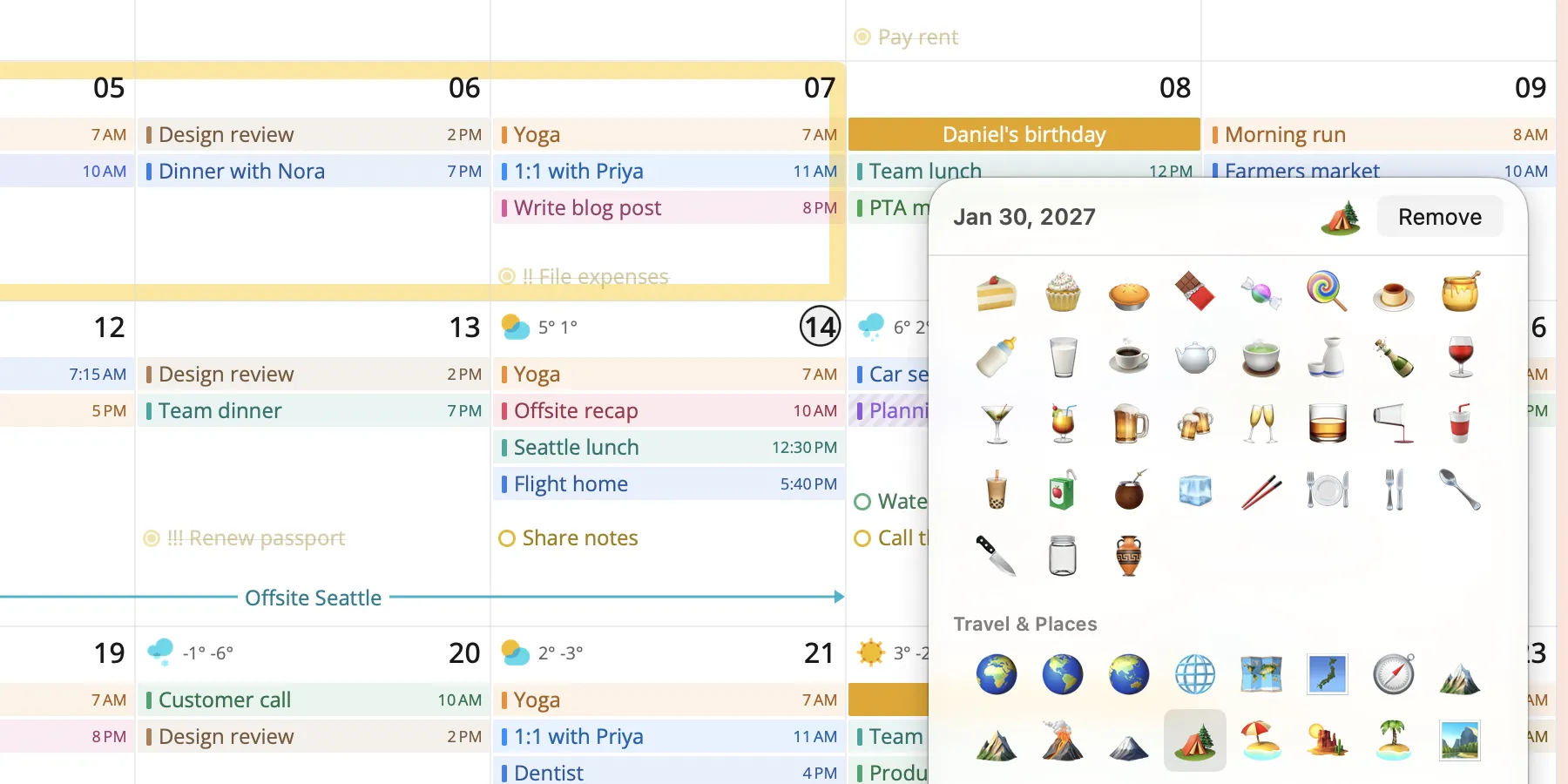
Give a single event its own color. Put an emoji on a birthday, highlight a busy week, and mark a trip across several days, right on the calendar.
Google Calendar, without the browser tab
Changes from your phone or the web show up in real time. Reply to invites and add a Google Meet link without leaving Across.
Events and tasks, side by side
Reminders show up on the calendar next to your events. Add them, drag them to another day, and check them off without opening Reminders.
Type it the way you'd say it
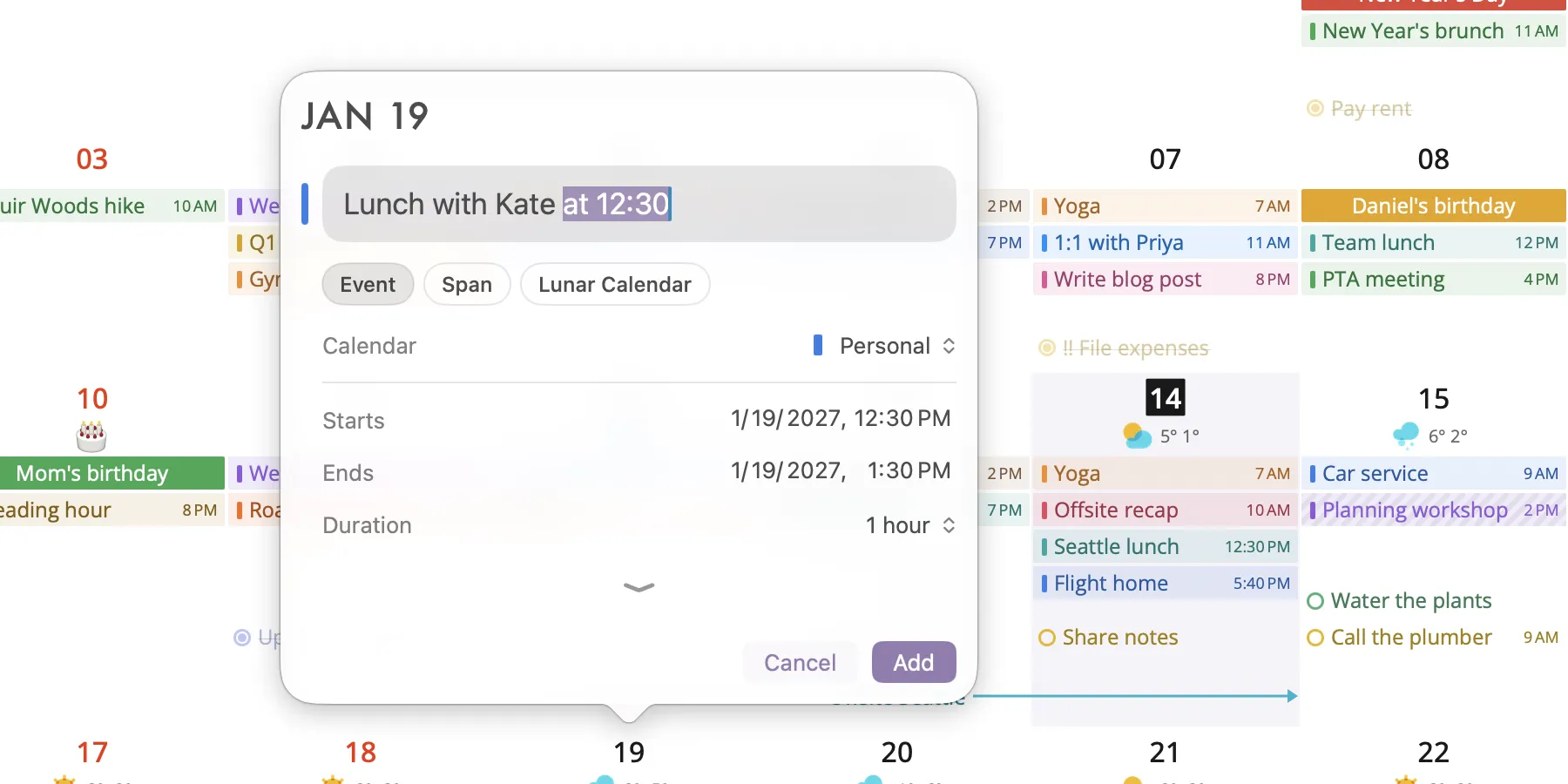
Type "Lunch with Kate Friday 12:30" and it lands on Friday at 12:30. On macOS 27 with Apple Intelligence, drop in a photo and it becomes an event.
A modest price. No shortcuts.
Free to download. Subscribe, or buy it once for iPhone, iPad, and Mac. The price stays small. The work behind it doesn't. Years of refining how Across handles calendars and views on iPhone went into the Mac app, rebuilt from scratch as a native Mac app. Nothing is off the shelf, down to the date on the Dock icon.
- Monthly
- $1.49
- Yearly
- $9.99
- Lifetime
- $24.99
Prices in US dollars. The App Store shows the price in your currency.
A few minutes that pay off every day.
Every guide, by topic.
Adding & editing
Views
Calendar sets & widgets
Keyboard & pointer
Can't find what you need? Write to support@daymore.com.